Unlock Your FREE Canva Template & EBook
Limited Time: FREE Starter Pack – Grab Yours Before It’s Gone!
👉Get Instant Access👈
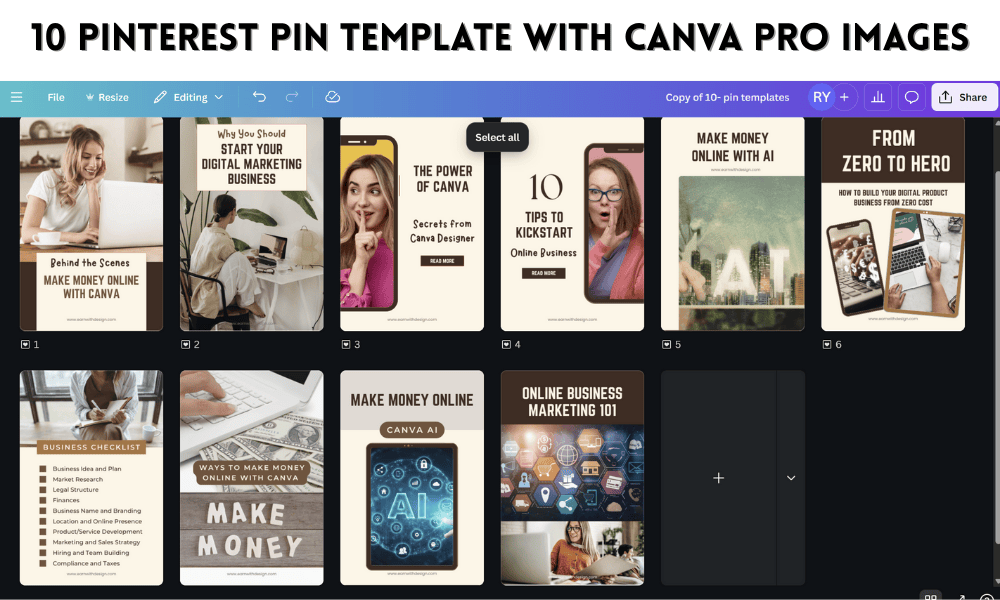
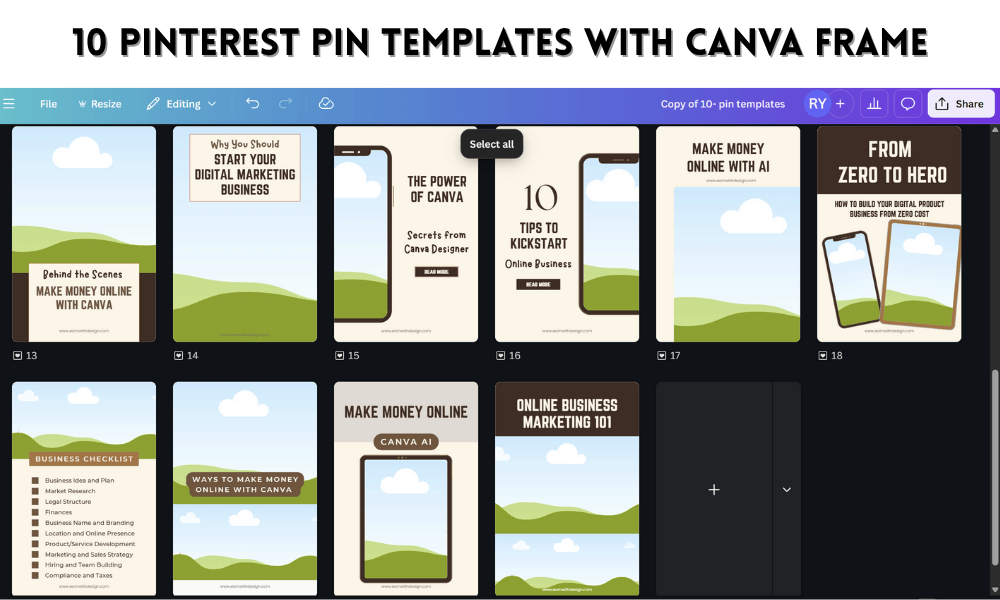
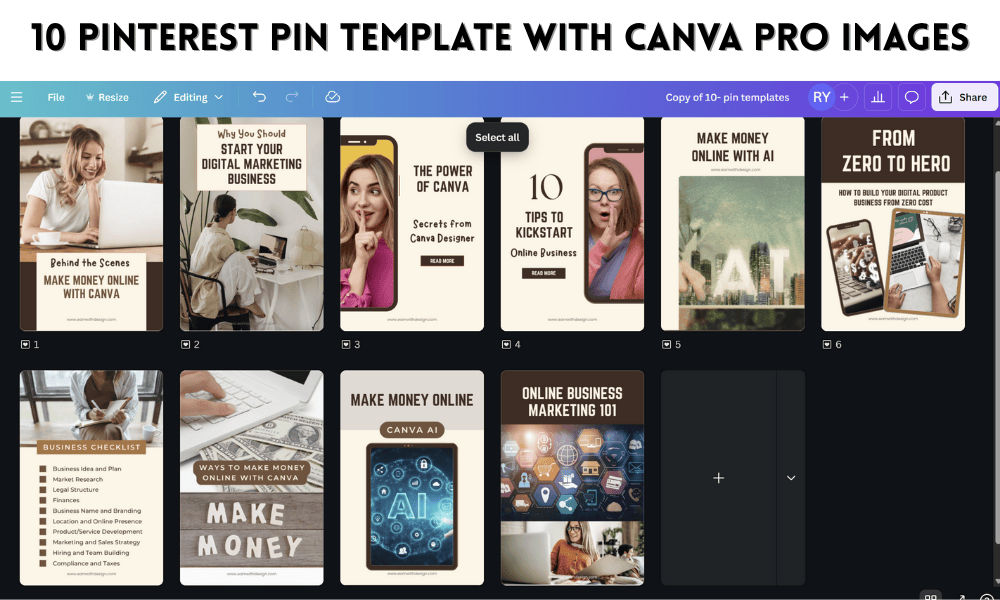
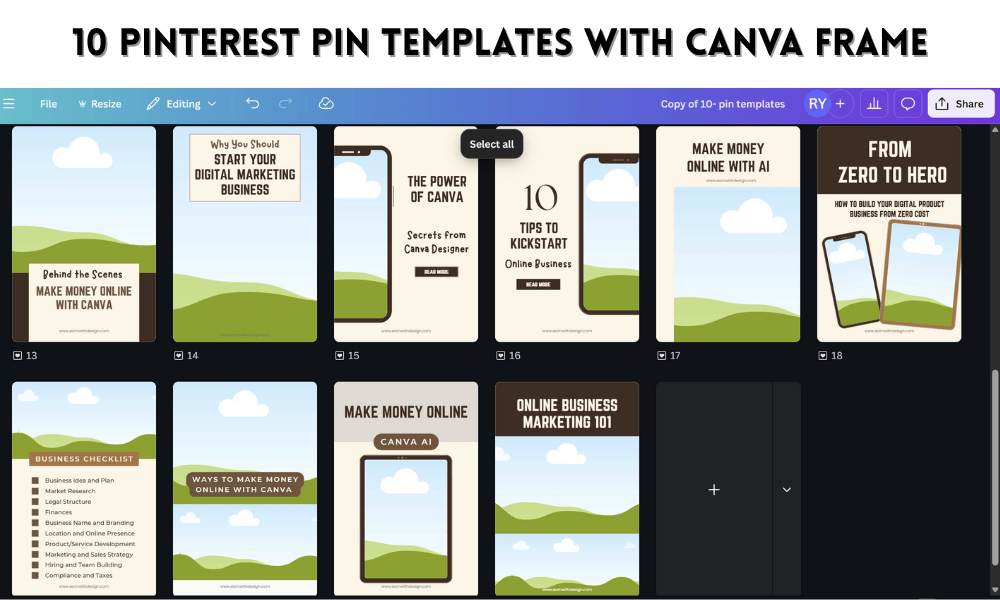
Grab Your FREE 10 Pinterest Pin Template
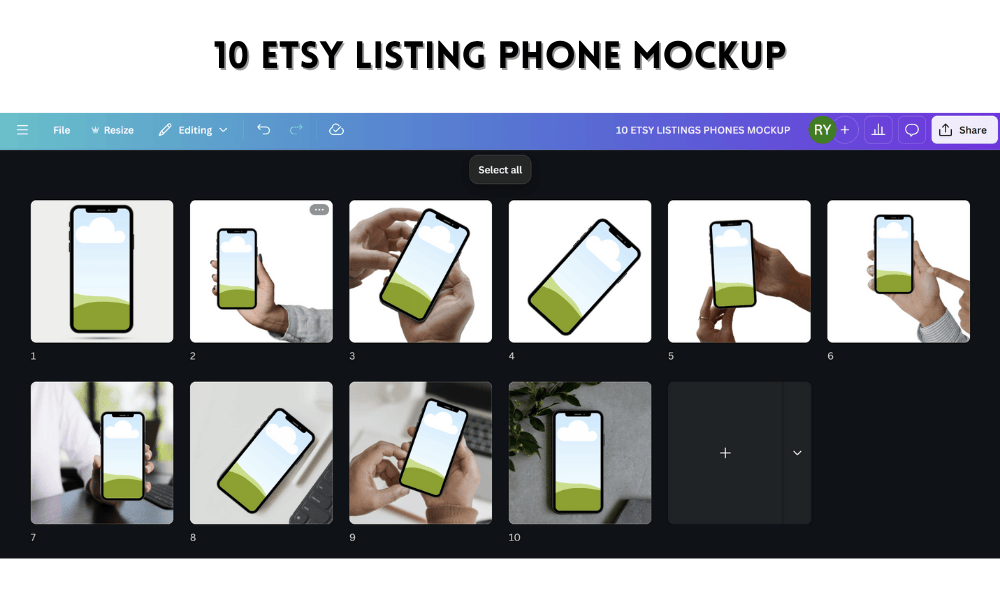
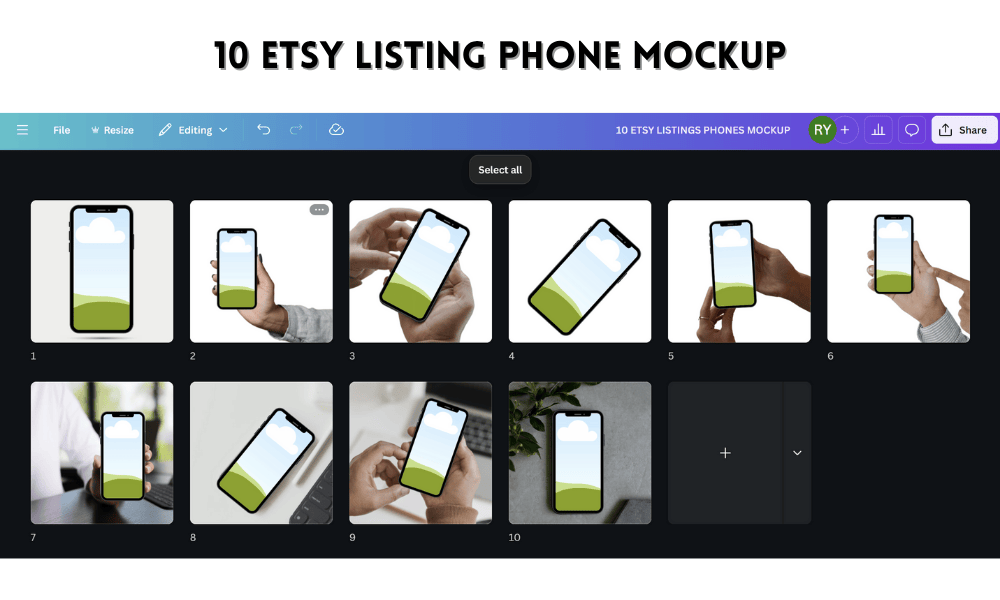
Grab Your FREE 10 Etsy Listing Phone Mockup
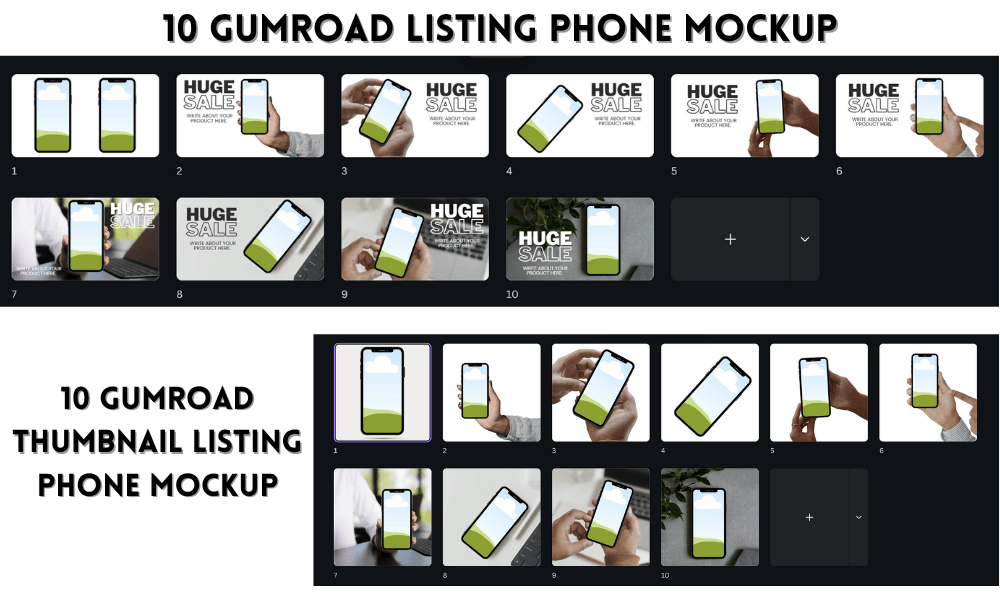
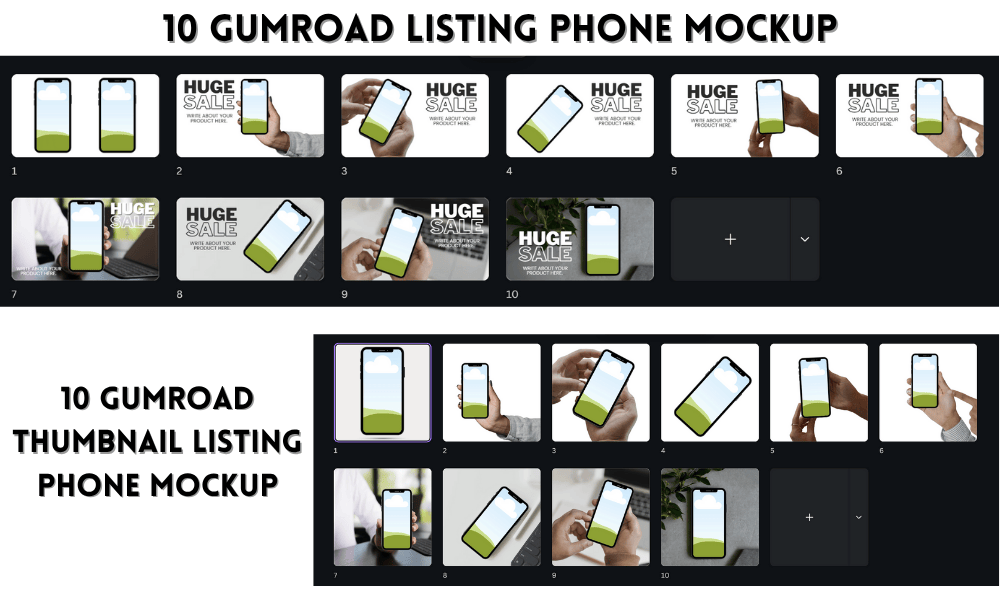
Grab Your FREE 10 Gumroad Product Listing & Thumbnail Listing Phone Mockup
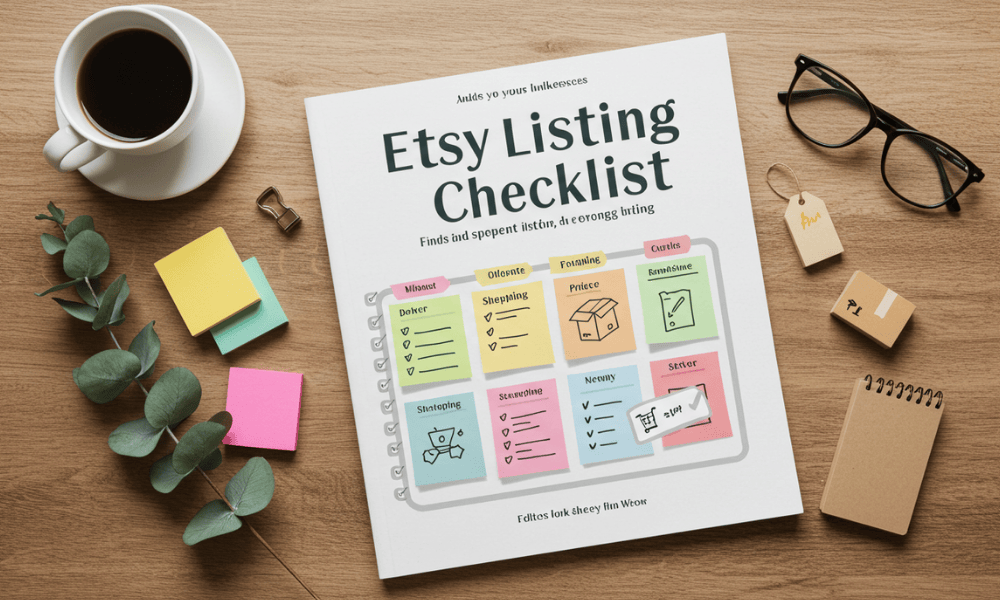
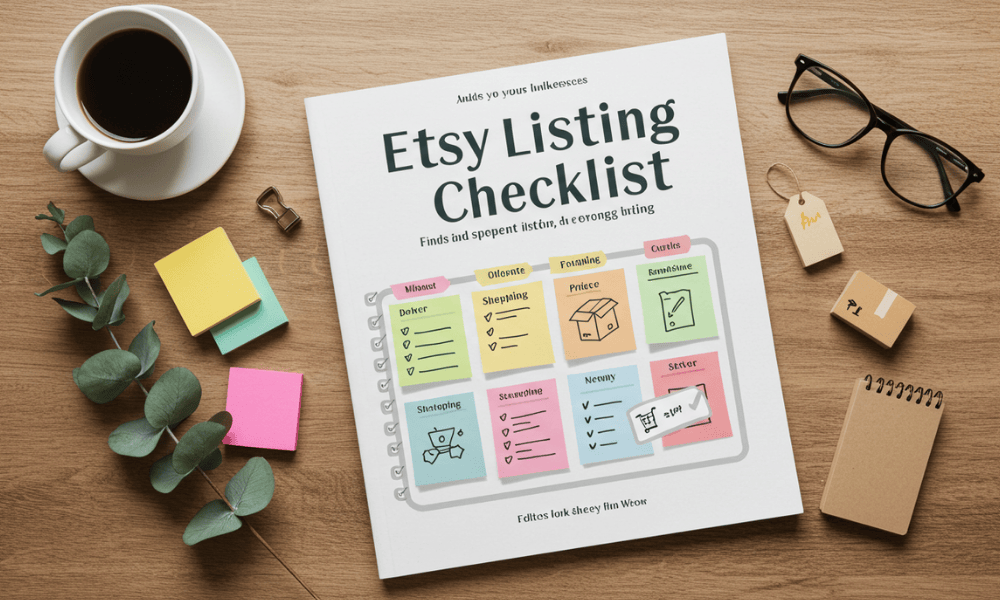
✅ Etsy Canva Template Listing Checklist
🗂️ PRODUCT CREATION
Design Your Template in Canva
Use only free elements/fonts (or ensure you have Pro rights or proper licenses)
Ensure the design is fully editable by the buyer
Organize elements into sections for easy customization
Add placeholder text/images if applicable
Name and label pages clearly
Create a Shareable Canva Link
Use "Share → Template Link" (not edit/view link!)
Ensure “Anyone with the link” can use it
Test the link in incognito mode
Create a PDF with the Canva Template Link
Add instructions like “Click the button below to use your template.”
Include FAQs and contact info if needed
Save as a high-quality PDF
🛒 ETSY LISTING SETUP
✍️ TITLE, DESCRIPTION, AND SEO
SEO-Friendly Title
Include main keywords (e.g. “Instagram Post Templates for Coaches – Canva Editable”)
Clear & Keyword-Rich Description
What it is (e.g. “10 Editable Pinterest Templates…”)
Who it’s for (coaches, small biz owners, etc.)
What’s included (number of pages, formats)
How it works (Canva account needed, instant download)
Licensing info (personal/commercial use, etc.)
CTA: “Message me if you have questions!”
Tags (13 max, relevant)
e.g. “Canva Template”, “Pinterest Templates”, “Editable Digital Product”, “Social Media Template”
Categories & Attributes
Category: Templates > Digital Templates > Social Media, etc.
Format: Digital download
Software: Canva
🖼️ VISUALS & MOCKUPS
Thumbnail/First Image
Eye-catching, readable even when small
Includes product name & a clear preview
Mockup Images (5-10 total)
Show template in use on a laptop, phone, or tablet
Include screenshots of inside Canva if allowed
Highlight features: editable, easy-to-use, no Canva Pro needed, etc.
Optional: Include a short tutorial image or instructions graphic
Optional: Listing Video
5–15 sec screen recording of the template in Canva
Show how easy it is to customize
📥 DIGITAL DOWNLOAD SETTINGS
Upload Your PDF with Canva Template Link
Max 5 files per listing; combine if needed
Use a Clear File Name
E.g. “Instagram-Canva-Templates-Instructions.pdf”
💬 AFTER-LISTING TASKS
Test Your Listing (incognito browser)
Check title, images, description, file download
Set Up Auto-Replies or Thank You Message
Optional: guide customers to your Instagram or email list
Promote on Social Media & Pinterest
Use your link or Etsy short link to share on:
Pinterest (pin all listing images)
Instagram (carousel or Reel)
YouTube Shorts (walkthrough of the template)
🔒 LEGAL & LICENSE NOTES
No Reselling of Canva Templates
State that customers cannot resell your Canva template as-is
Include a Simple License Statement
“For personal or client use only. Not for resale or redistribution.”
Credit Canva Properly
“Made using Canva. This product is not endorsed or sponsored by Canva.”
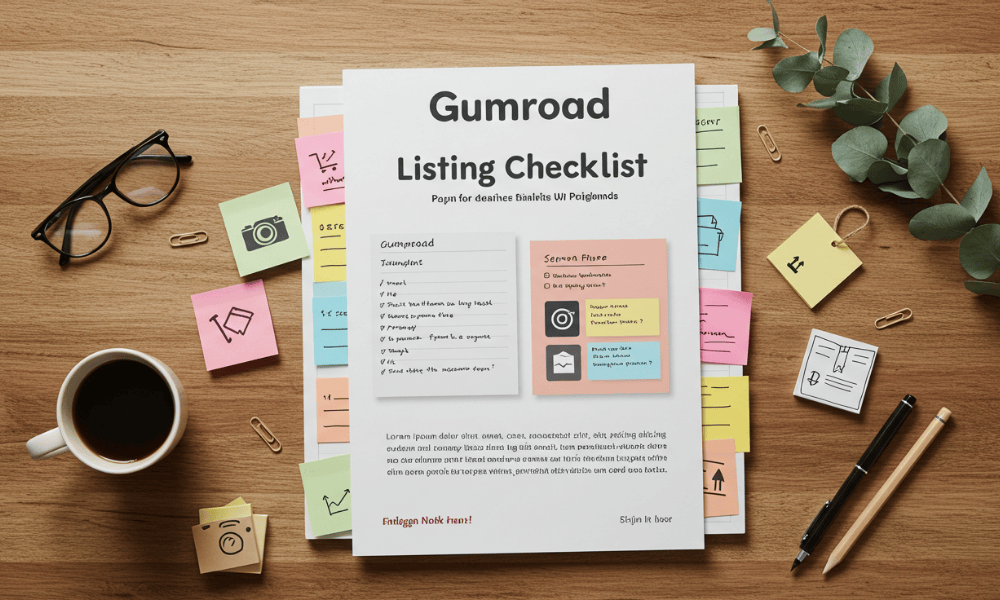
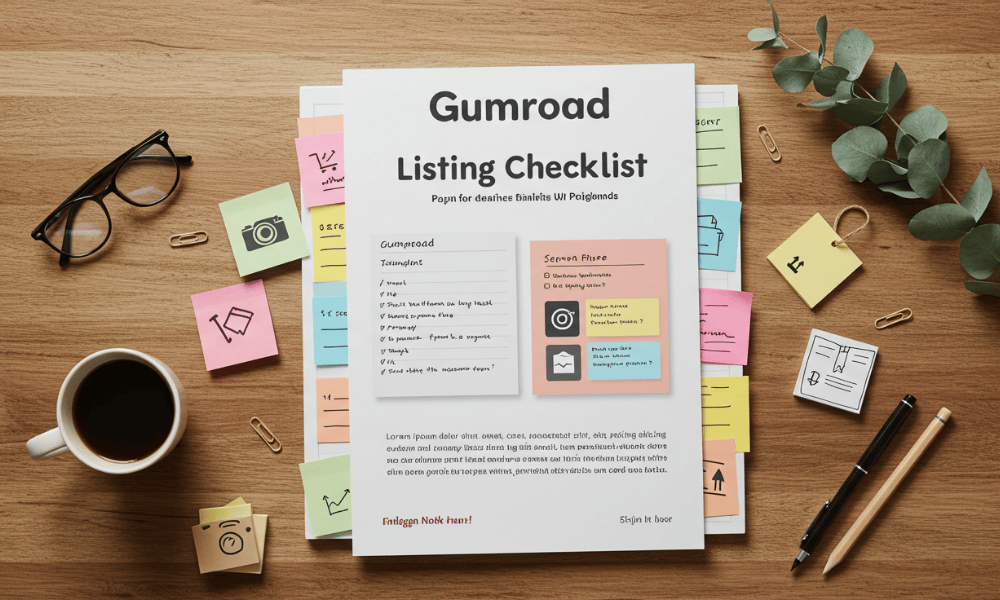
✅ Gumroad Canva Template Listing Checklist
🗂️ PRODUCT CREATION
Design Your Template in Canva
Use only free or licensed Canva elements
Keep the layout clean, customizable, and user-friendly
Label sections/pages clearly for user navigation
Use consistent colors/fonts suitable for your niche
Create a Shareable Canva Template Link
Go to “Share” → Choose “Template link” (not edit link)
Ensure link settings allow anyone with the link to use it
Test the link in incognito mode
Create a Delivery PDF File
Embed the template link inside
Add brief instructions (e.g. “Click the link to open in Canva”)
Mention Canva account is needed (free or Pro)
Optional: Add your branding and contact info
Save the Delivery File
Export as a clean, high-quality PDF (e.g. “Template-Instructions.pdf”)
🛒 GUMROAD LISTING SETUP
🔤 TITLE, DESCRIPTION & PRICING
Product Title (SEO-friendly & clear)
Example: “20 Pinterest Canva Templates for Digital Product Creators”
Clear & Persuasive Description
What it is: Canva template + who it’s for
What’s included (pages, formats, use cases)
How it works (instant PDF download → Canva access)
CTA (e.g. “Start customizing in minutes!”)
Add FAQ or Usage Instructions
e.g. Can this be resold? Do I need Canva Pro?
Set a Fair Price
Use "Pay What You Want" (set a minimum price if desired)
Or fixed pricing (e.g. $7, $15, $29 depending on value)
🖼️ COVER IMAGE & MEDIA
Upload a Professional Cover Image
Use Canva to create: size 1280×720px
Show what the template looks like on device mockups
Include product title or features on image
Add Extra Preview Images (optional but powerful)
Carousel-style previews
Highlight features (e.g. “Drag & Drop”, “No Pro Needed”)
Add a Short Demo Video (Optional)
Show how easy it is to edit
Use screen recording tools like Loom or Canva Video Editor
📎 FILE UPLOAD & DELIVERY
Upload the PDF File with the Canva Template Link
Name it clearly (e.g. “PinterestTemplate-Instructions.pdf”)
Keep file size under 250MB
Enable Instant Access
Choose “Start selling this product.”
Toggle ON for “This is a digital product.”
Set the File to Auto-Deliver Upon Purchase
🔒 LEGAL & USAGE TERMS
Add License Terms to Description or PDF
Example: “For personal or client use only. Resale or redistribution is not allowed.”
Credit Canva If Needed
“Created using Canva. This is not affiliated with Canva.”
State Resale Rules Clearly
If it's a template kit, mention whether buyers can use it for their clients
📣 AFTER-LAUNCH TASKS
Test the Buyer Experience
Buy from yourself (with a discount code) and check:
File delivery
Canva link functionality
File naming
Promote the Product
Pinterest (pin the cover and features)
YouTube (walkthrough/tutorial)
Instagram & Facebook (carousel or reel)
Email your list
Offer Limited-Time Promo Code
Use urgency to boost first-week sales (e.g. “Use LAUNCH10 for 10% off”)
⭐ BONUS TIPS
Add upsells (e.g. “Get the full bundle”)
Create product categories for similar templates
Enable the “Follow” option on your Gumroad profile
Set up an automatic thank-you email or guide follow-up
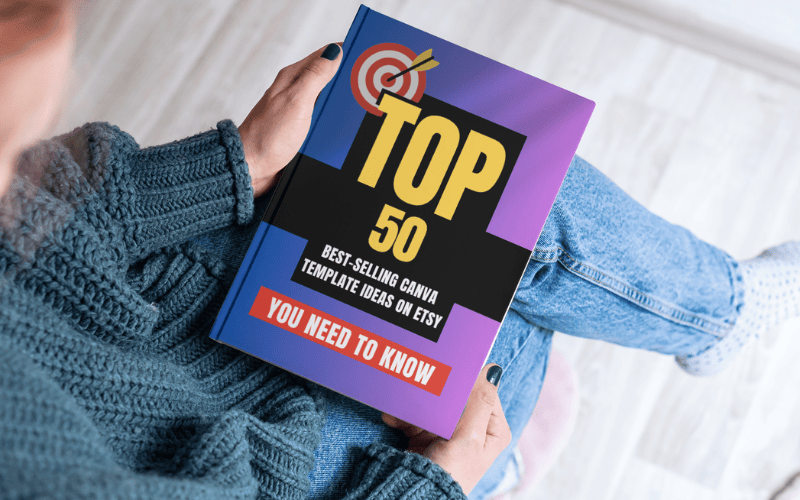
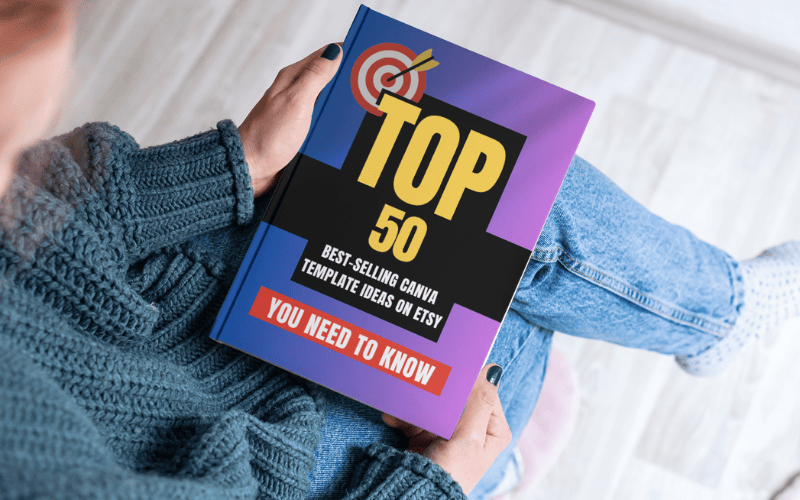
🎯 TOP 50 BEST-SELLING CANVA TEMPLATE IDEAS ON ETSY
🛍️ Business & Marketing Templates
Instagram Post Templates for Coaches
Instagram Story Templates for Small Business
Pinterest Pin Templates for Digital Products
Pinterest Idea Pin Carousel Templates
TikTok Video Script Templates (editable in Canva)
Business Card Templates
Brand Board / Style Guide Templates
Pricing Guide Templates for Service Providers
Media Kit Templates for Influencers
Press Kit Templates for Authors or Speakers
💻 Online Business & Digital Product Templates
Lead Magnet Templates (eBooks, Checklists, Workbooks)
Email Newsletter Canva Templates
Etsy Shop Branding Kit (Banners, Logos, Listings)
Course Workbook Templates
Client Welcome Packet Templates
Digital Planner Templates
Funnel Template Kits (Lead Magnet + Thank You Page Visuals)
Webinar Slide Deck Templates
Product Mockup Templates
Canva Website Templates (via Canva website builder)
📚 Educational & Coaching Templates
Coaching Program Workbook Templates
Lesson Plan Templates for Teachers
Goal Setting & Productivity Templates
Vision Board Templates
Coaching Session Agenda Templates
💸 Finance & Planner Templates
Budget Planner Templates
Monthly Planner & To-Do Lists
Financial Tracker Templates
Business Expense Trackers
Invoice Templates for Freelancers
🧘 Wellness, Lifestyle & Personal Growth
Self-Care Journal Templates
Affirmation Card Templates
Gratitude Journal Templates
Habit Tracker Templates
Meal Planner Templates
Fitness Tracker Templates
Therapy or Counseling Worksheet Templates
Mental Health Journal Templates
🎉 Creative & Fun Templates
Wedding Invitation Canva Templates
Baby Shower or Event Invitation Templates
Editable Party Printables (Birthday Tags, Thank You Cards)
Podcast Cover Templates
Book Cover Templates
YouTube Thumbnail Templates
YouTube Channel Kit (Thumbnail, Banner, End Screen)
🏷️ Printable & Bundle Templates
Canva Template Bundle (e.g. “100 Editable Templates for Coaches”)
Ultimate Pinterest Template Pack
Canva Templates for Etsy Sellers
Carousel Post Templates for Instagram & LinkedIn
Complete Business Starter Kit (Social + Brand + Lead Magnet)
🎨💸 Check out my 'How to Make Money Online with Canva' series for step-by-step guides and insider tips on how you can start earning today with simple, sellable designs!"🎨💸
🚀 MY FAVOURITE BUSINESS TOOLS 🚀
LeadCreator (Lead Creation Tools):https://earnwithdesign.com/leadcreator
VidIQ (YouTube SEO):https://vidiq.com/rachelyeong
Creative Fabrica (Templates):https://earnwithdesign.com/creativefabrica
Hostinger (Hosting):https://earnwithdesign.com/hostinger
Get Response (Email Marketing):https://earnwithdesign.com/getresponse
Capcut (Video Editing):https://earnwithdesign.com/capcut
Kittl (Online Design Tools):https://www.kittl.com/invite/rachelyeong
Appsumo (Business Software):http://appsumo.8odi.net/GmP57B
Tailwind (Pinterest Scheduler):http://tailwind.sjv.io/rQA3K5
Pinclicks (Pinterest Analytics):https://www.pinclicks.com/?ref=rachelyeong
Pin Generator (Bulk Pin & Schedule Pin) :https://pingenerator.com?pgref=rachelyeong
SEOWrittingAI (AI Blog): https://seowriting.ai?fp_ref=yeong-paik-looi82
Pin Inspector https://paykstrt.com/29582/159248
Post Planner: https://www.postplanner.com/?via=paik-looi
App Sumo (One Time Paid Software) http://appsumo.8odi.net/GmP57B
💞 CONNECT WITH ME 💞
Official website: https://earnwithdesign.com/
YouTube: https://www.youtube.com/@RachelYeong
Facebook: https://www.facebook.com/earnwithdesign
Pinterest: https://www.pinterest.com/earnwithdesign/
 Powered By LeadCreator